Interactive Configurator
Use the curation module to arrange specimen tiles in a digital room preview. Drag and drop different specimens to visualize how shapes and amber tones interact before finalizing your selection.
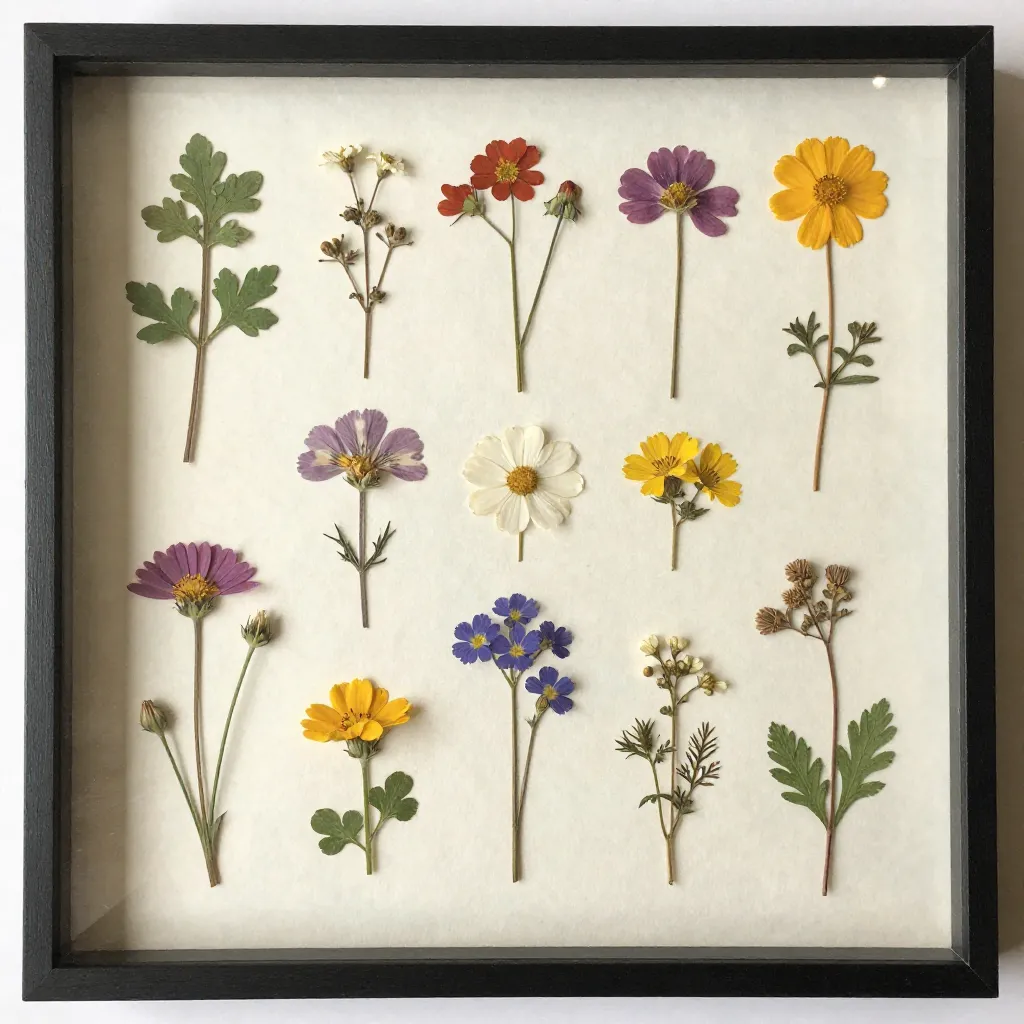
Use the curation module to arrange specimen tiles in a digital room preview. Drag and drop different specimens to visualize how shapes and amber tones interact before finalizing your selection.
Arrange specimens considering spatial balance and visual flow. The configurator helps visualize final arrangements before production.
Choose from available specimen types to create cohesive arrangements. Each tile represents preserved botanical elements with documented collection data.
Once satisfied with your arrangement, contact us to discuss production details and customization options for your herbarium wall configuration.
Use the interactive tiles above to design your arrangement. For questions or custom specifications, please contact us through our contact page.
Contact UsWe use cookies to enhance your browsing experience and analyze site usage. By continuing to use this site, you consent to our use of cookies as described in our Cookies Policy.